How to build a website in minutes no code
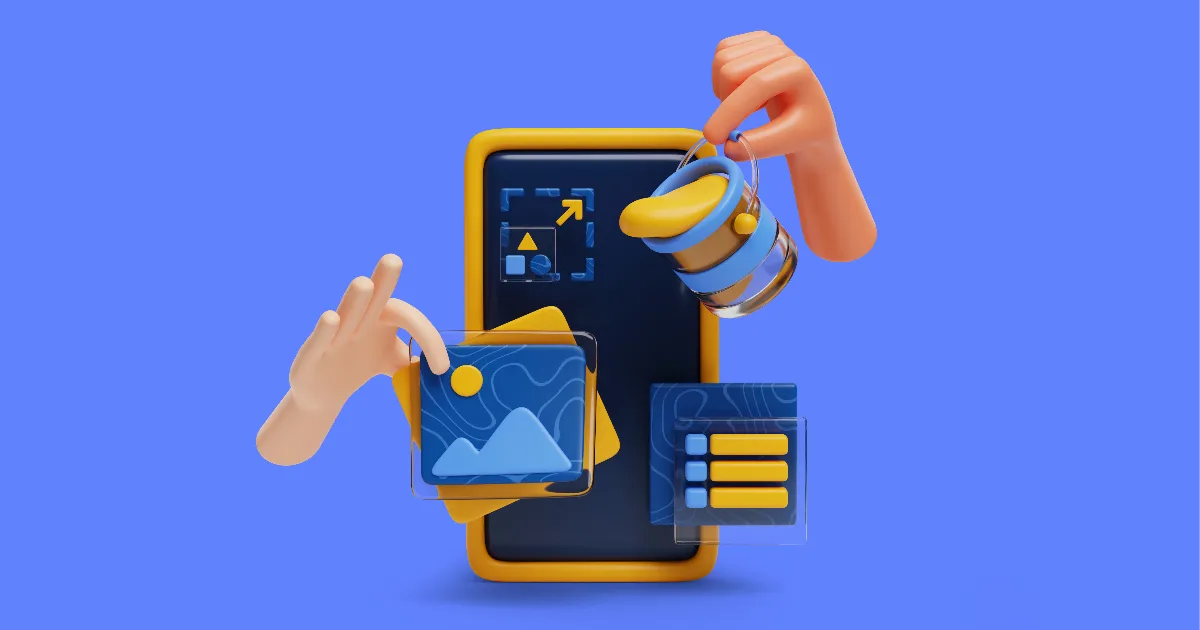
Building a website used to be a project. Now it is a task — somewhere between making coffee and answering email. Here is the whole process, honestly, minute by minute.
Minute one: name it
Go to paginato.com/start and choose an address like yourname.paginato.com. This is the only decision that deserves real thought, because it goes on everything you print and share. A tip: your business name, short, no hyphens. Don't agonise — you can attach your own domain later without redoing anything.
Minutes two to ten: make it yours
Your site opens with a working page already in place. Editing is direct: click the text and type over it, swap the images for your own, drag sections where you want them. There is no dashboard maze and no theme code — what you arrange is exactly what visitors will see. Change the theme and every page follows, so trying looks costs nothing.
Resist the urge to build everything today. A launch needs three things: what you do, one photo that proves it, and a way to reach you. The rest of the pages can arrive one evening at a time.
Minute eleven: publish
This step is the anticlimax: your site is already online. Share the link in your bio and your chat groups. HTTPS is on automatically — the padlock in the browser bar is included, not an upgrade.
What can wait
- Your own domain — connect it when you're ready; visitors get redirected, nothing breaks.
- A blog — start when you have something to say; each post becomes a doorway from search.
- More languages — a real page per language when your audience crosses a border.
- Payments — Stripe, PayPal and Midtrans are built in for the day you sell online.
The gap between "we should have a website" and "we have a website" is about ten minutes wide. Start free — no credit card, and your site is live before the coffee is cold.
Tips & Guides Paginato 21 Oct 2026 03:47pm